



Security Awareness
Recognizing Phishing Attacks and Responding Appropriately
Phishing attacks remain one of the most common methods of attack, focusing not on technology but on people. However, through training and education, this security gap can be largely closed. With this article, we aim to contribute to that effort.
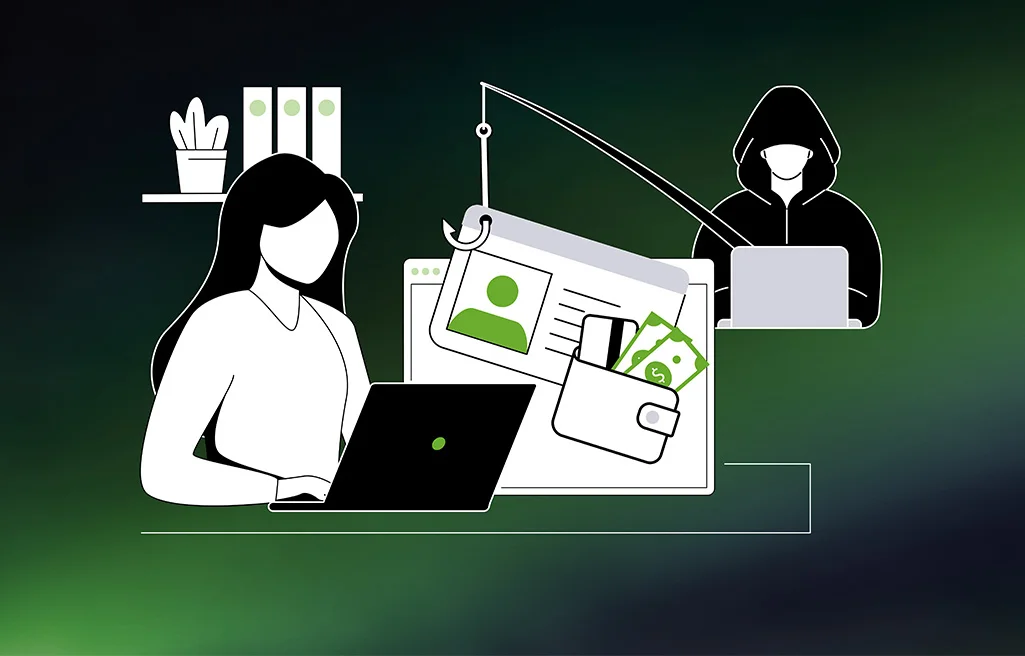
Whether it’s firewalls, access control, or network segmentation, there are now numerous technical safeguards against cyberattacks that can significantly improve security. Attackers are aware of this and continue to rely on a different entry vector: phishing. This is a type of cyberattack in which fraudulent messages are used to trick employees into forwarding sensitive data, installing malware, or transferring money.
Flood of Emails: AI Simplifies Attacks
Fraudsters often use email to make contact. Two factors play into their hands here: First, the flood of electronic mail in companies continues to rise. According to a January 2026 report by the industry association Bitkom, an average of 53 emails land in business inboxes every day. This brings professional email traffic to a new all-time high.
Artificial intelligence (AI) is also partly responsible for the rise in the volume of attacks. AI makes it possible to automate attacks, significantly reducing the time needed for preparation and execution. Furthermore, AI makes phishing emails appear more authentic, making them more dangerous.
Furthermore, AI is incredibly helpful for composing linguistically sophisticated texts. As a result, spelling and grammar errors have long since ceased to be considered a key indicator of a phishing email.
Short email check for more security
Phishing is likely here to stay. This makes it more important to give every email a quick check.
The following points may indicate a phishing email:
- Sender: Attackers often use a domain that looks strikingly similar to a trustworthy address, such as endians.com or enbcom instead of endian.com. It’s especially difficult to spot such changes on smaller smartphone screens.
- Recipient: Recipients should also treat emails with generic salutations, such as “Dear Customer” or “Dear Sir or Madam,” with caution.
- Pressure: Urgent prompts such as “Act now,” “Your account will be deleted,” or “Confidential – Request from the CEO” are intended to trick the recipient into acting hastily. Legitimate requests, on the other hand, rarely exert such intense pressure.
- Requests for passwords or sensitive data: No legitimate company will ever ask for a password or login credentials via email.
- Links or attachments: Both can install malware as soon as a recipient clicks on them.
Suspicious Email: What to Do?
If a suspicious email ends up in your inbox, here’s what’s important:
- Never click: Do not open any links or attached documents. For example, if you receive what appears to be an invoice, it’s better to log in to your customer account with the respective company and download the invoice from there.
- Do not reply: Never reply directly to a potential phishing email.
- Verify the request: Instead of replying to the email, users should verify the request with the company that sent it, for example, through its website, your customer account, or the service hotline. Important: Do not use any phone numbers, email addresses, or web addresses contained in the suspicious email.
- Report: The incident should be reported to the IT team and to the company whose identity has been misused.
Technical Protective Measures
Despite all precautions, it’s possible that someone within a company might fall for a phishing email. It’s important to recognize that anyone can be affected, no matter how well-informed they are.
A few basic technical security measures can mitigate the consequences of an attack:
- Multi-factor authentication: Whenever possible, an additional factor should be used for authentication. This prevents attackers from immediately accessing systems once they’ve obtained login credentials.
- Up-to-date software: Software should always be kept up to date. This prevents known vulnerabilities from being exploited.
- Password manager: Instead of using the same passwords for different accounts, a password manager should be used.
In any case, everyone should get into the habit of handling their emails with caution and take a little more time when using this communication tool. Stress and haste play right into the hands of attackers.
If you ever receive a suspicious email purporting to be from Endian, please contact us directly at: sales@endian.com. Together, we can verify the matter!

Facts & figures
People make the difference
Phishing targets people, not technology. These four numbers show why attention matters.
Sources: ENISA Threat Landscape 2025, BKA Bundeslagebild Cybercrime 2025 (ComputerBase), Bitkom beruflicher Mailverkehr
of cyberattacks start with phishing
of phishing emails already use AI
reach a business inbox every day
euros in cyberattack damage per year in Germany
Cybersecurity Bridge for IT & OT
Meet the Secure Digital Platform
The Endian Secure Digital Platform offers a robust security solution that safeguards business infrastructure, networks, devices, applications, and users from both internal and external threats.
Management Tools
The Endian management tools are a centralized suite for connectivity, security, and lifecycle management that helps establish a zero-trust environment.
Security Gateways
Endian security gateways provide reliable IT & OT solutions with strong connectivity, advanced security and efficient edge computing, all with an intuitive user experience.
Endpoint Connectivity
The Endian endpoint connectivity assists users and machines in quickly and securely connecting to the Secure Digital Platform.